
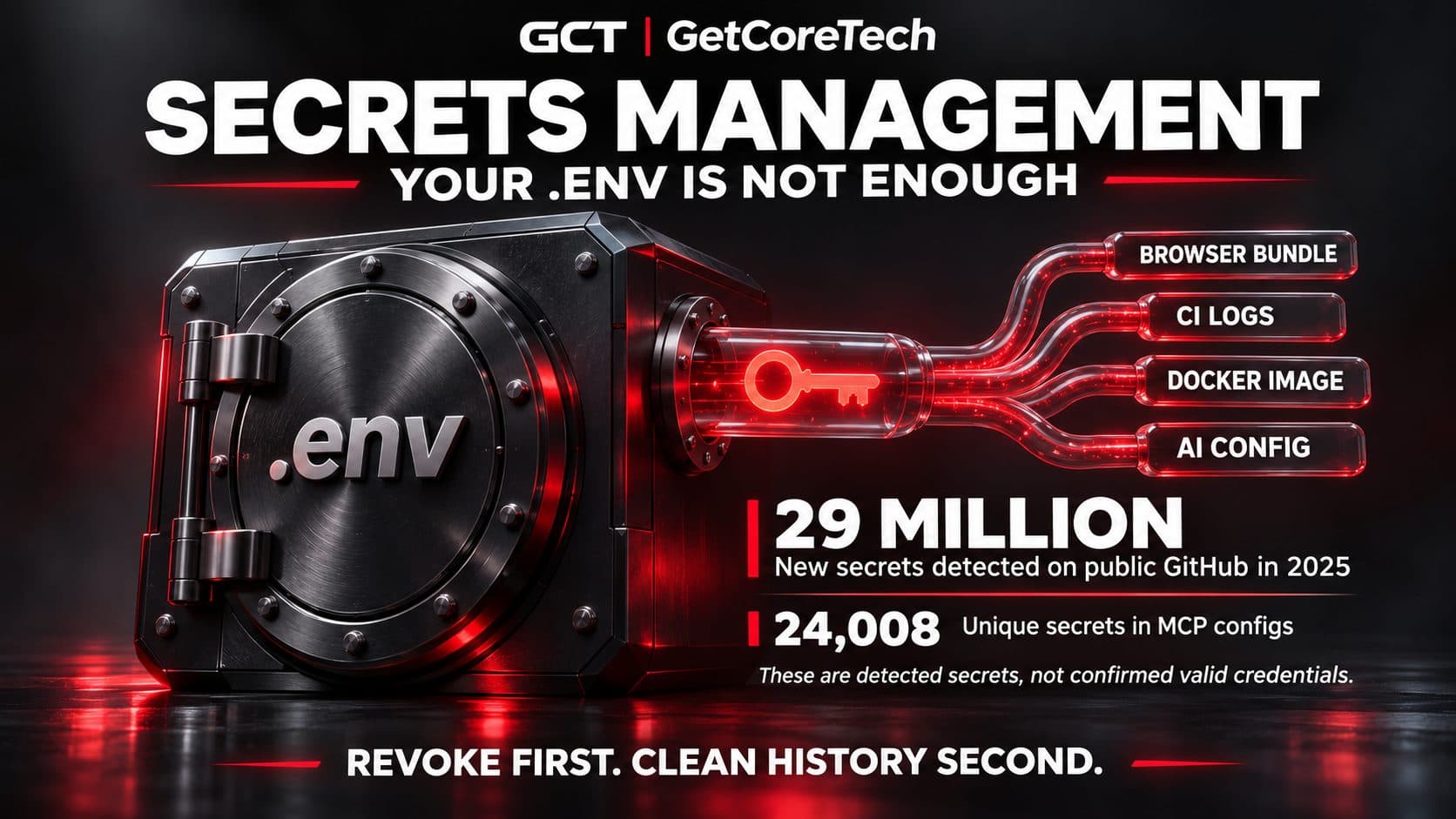
**Move API keys out of source files, but don't stop at .env. A key can stay out of Git and still leak through a browser bundle, Docker image, CI log or developer configuration file. Use workload identity where the provider supports it, inject unavoidable secrets at runtime, and scan before code reaches the repository. If a key has already leaked, revoke or rotate it before cleaning Git history.**
You need this if your application calls paid APIs, connects to a database, deploys through CI/CD or uses AI coding tools with local service credentials. A secret stored outside your source code can still be exposed by the build or deployment process. Start by finding where each credential is issued, stored, loaded and logged. Status as of 14 November 2026.
In 2025, leaked credentials extended into AI tool configurations
Measured GitGuardian's 2026 State of Secrets Sprawl report says its scanning detected approximately 29 million new secrets on public GitHub in 2025, compared with 21 million in 2024. The company reports scanning 43% of public GitHub commits. These are vendor-reported detection figures, not a complete count of every exposed credential or proof that each detected credential remained valid.1
One finding is more useful than the headline total. GitGuardian identified 24,008 unique secrets in MCP configuration files, with PostgreSQL database connection strings accounting for 14% of that group. Google API keys, Firecrawl keys and Perplexity API keys were also among the types it identified.1
Those files can sit outside normal application source. A developer may remove an API key from a JavaScript module, then leave the same credential in an AI tool's local configuration or a copied setup file. The repository looks cleaner. The credential inventory has not changed.
GitGuardian sells secrets-security products, so its findings deserve that commercial context. Its report also does not establish how often a specific development team will experience a leak.
Opinion Scan the files your tools create, not only the files your application executes.
Choose how a workload authenticates before choosing where to store its key
OWASP's Secrets Management Cheat Sheet describes storage, provisioning, access control, auditing and rotation as parts of one process.2 Hiding a string in another configuration file covers only one of them.
The strongest option is often to avoid a permanent key. AWS recommends temporary credentials through IAM roles for workloads rather than long-term access keys.3 GitHub Actions supports OpenID Connect (OIDC), allowing supported cloud providers to authenticate a workflow without keeping a long-lived cloud credential in GitHub secrets.4
| Where the credential is needed | Preferred approach | Limit to check |
|---|---|---|
| Local development | Ignored local configuration or a controlled secret store | Files, backups and terminal output can expose values |
| Server application | Workload identity, or runtime secret injection when a static key is unavoidable | Server processes and logs still need protection |
| CI/CD deployment | OIDC federation where supported | Trust rules must restrict which workflows can assume the identity |
| External API requiring a static token | Managed or protected secret, narrowly scoped | Rotation and incident revocation remain necessary |
| Browser or mobile client | Server-side API mediation for genuine secrets | A distributed client cannot keep an embedded value confidential |
An environment variable can be adequate for a small server application when the platform injects it at runtime and access is controlled. OWASP warns that environment variables can be exposed through other processes, logs or system dumps, and favors other injection methods where available.2
Opinion Use temporary identity when supported. Use a managed secret when identity federation is unavailable. Use an ignored local file for development, not as your production security model.
The trade-off is operational. A managed store adds permissions, retrieval and availability considerations. Short-lived identity adds trust-policy configuration. But either is easier to contain than one permanent credential copied across developer laptops, deployment pipelines and production servers.
A correct .gitignore does not protect a browser bundle
Next.js provides a useful example. Its environment-variable documentation says values prefixed with NEXT_PUBLIC_ can be inlined into JavaScript sent to the browser during the build. Those values are public, regardless of whether they came from a file named .env.local.5
There's a second trap. The legacy env configuration in next.config.js always includes configured values in the JavaScript bundle, even without a NEXT_PUBLIC_ prefix. The Next.js documentation explicitly warns about this behavior.6
That gives you two different exposure paths:
- A genuine secret placed in
NEXT_PUBLIC_PAYMENT_SECRETbecomes client-visible through normal public-variable bundling. - A secret placed under the legacy
next.config.jsenvoption can also enter the bundle without the public prefix.
Neither problem is fixed by adding .env to .gitignore.
Docker has a similar boundary. Its documentation warns that build arguments and Dockerfile environment variables are unsuitable for secrets because values can remain exposed in the final image. Docker instead documents temporary build secret mounts and SSH mounts for credentials needed during builds.7
A secret required to download a private dependency during image construction should not become part of the image delivered to production.
Public client identifiers are different. Some providers intentionally issue publishable keys meant for browsers. Treat those according to their documented permissions and restrictions, but never assume a key is safe to publish merely because its name contains PUBLIC.
How you'd notice a key escaped its intended boundary
Start with where the credential should never appear: tracked files, commit history, build output, browser assets, container images and logs.
GitHub's secret scanning supports provider patterns, generic patterns and AI-detected patterns. Its documentation shows that push protection and validity checks are not available for every category, and that availability also depends on repository settings and plan.8
Push protection can block supported credentials before they reach a repository. But GitHub documents exceptions, including secrets that already have an existing alert and scanning that times out before a push completes. Such commits may still be scanned afterward.9
A clean scan therefore means no supported secret was detected under the scan's conditions. It does not mean the repository contains no credentials.
For your application, check these signals:
- Repository: A secret-scanning alert, blocked push or credential-looking value in tracked configuration.
- Build: A token present in generated JavaScript, image layers or diagnostic output.
- Runtime: Unexpected API usage, provider authentication alerts or credentials appearing in application logs.
Search and inspection should avoid printing complete active secrets into new logs or tickets. Record the provider, credential identifier where safe, affected service and exposure location instead.
Bound the investigation by access, too. A token restricted to one operation presents a different problem from an administrative credential that can access an entire account.
Revoke a leaked key before rewriting the repository
GitHub's repository-cleanup guidance makes the order explicit: revoke or rotate the exposed credential first. Once the credential cannot authenticate, rewriting history may not be necessary for that particular incident.10
Consider a static API key accidentally committed to a repository, then removed in the next commit. The current file is clean, but the original commit can remain available through history, clones or forks. GitHub warns that history rewrites also change commit hashes, disrupt collaborators and risk reintroducing the same sensitive material.10
Deletion alone does not end the exposure.
The response depends on what the credential could access. Replace it through the provider's supported rotation procedure, update legitimate consumers and revoke the old value without unnecessary downtime. Inspect available access records and usage for unauthorized activity. If data access is suspected, follow the applicable incident-response process rather than treating the event as a routine key replacement.
Cleaning history is a separate decision. It may be required when the leaked material cannot be revoked, or when sensitive information must be removed for other reasons. For a revocable API token, disabling the credential usually provides the immediate protection that a force-push cannot.
Opinion A completed rotation restores control of the credential. A cleaner Git history does not establish that nobody copied it before rotation.
Fix the credential path before the next deployment
Do today
- Inventory production, staging, development and CI credentials, including AI tool configuration files and external integrations.12
- Revoke any confirmed exposed key, replacing it safely for legitimate consumers before disabling the old value where continuity is required.10
- Inspect browser bundles and Docker build configuration for secrets that were intended to remain server-side.567
Do this week
- Enable available secret scanning and push protection, then review unsupported patterns, bypasses and repository coverage.89
- Replace long-lived cloud access keys with workload identity or federated authentication where supported.34
- Move necessary static credentials into controlled runtime secret delivery, with separate permissions for development, staging and production.2
Can wait
- Automate rotation where providers support it, including procedures for replacing values without interrupting dependent services.2
- Reconcile unused credentials against owners and applications, then remove access that no workload still needs.
- Rewrite repository history only after assessing the remaining exposure and coordinating the consequences for collaborators.10

Comments